01
A stronger foundation
Explore an operating system focused on privacy and security, with protections built into the way your device works.
Your life isn’t data to be collected. Discover a more intentional mobile experience with ZeroGhost and a privacy-focused foundation.
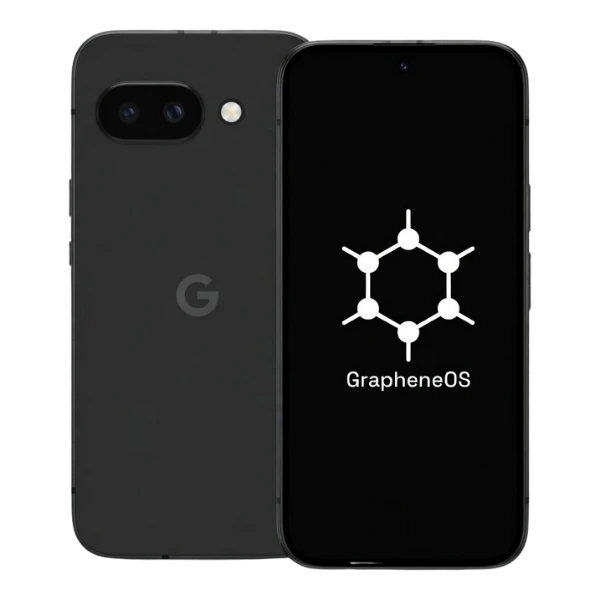
Keep what matters. Reconsider what doesn’t. A thoughtful approach to the device you reach for every day.
Explore an operating system focused on privacy and security, with protections built into the way your device works.
Make deliberate choices about application access. Give your camera, microphone, and location a clear purpose.
Separate applications and activities with user profiles, while understanding what stays connected through your accounts.
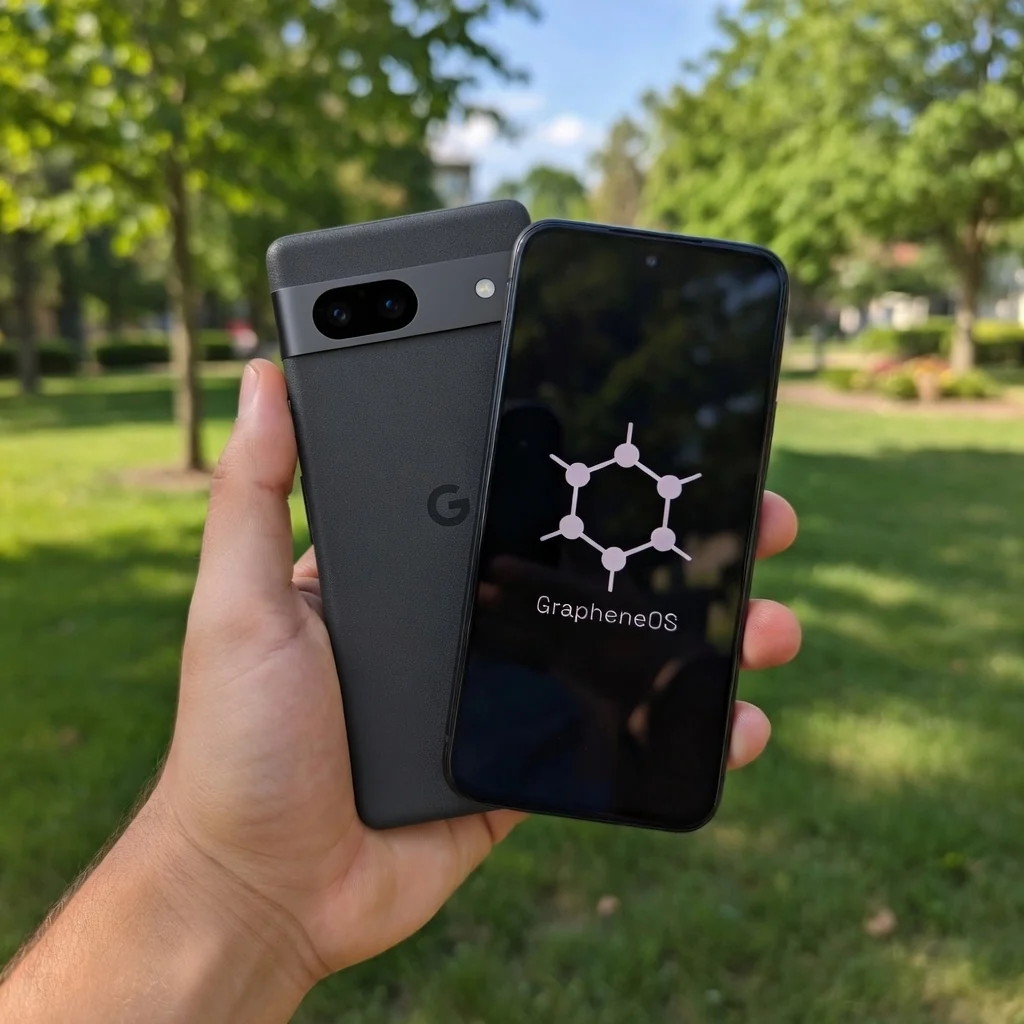
From a quiet morning to a busy working day, your phone should support your life—not define how much of it you share.
Choose the applications you need, understand the permissions they ask for, and build a setup that feels right for you. Better control starts with everyday decisions.
The supplied product views show Pixel devices with GrapheneOS. Confirm exact hardware and software details before ordering.
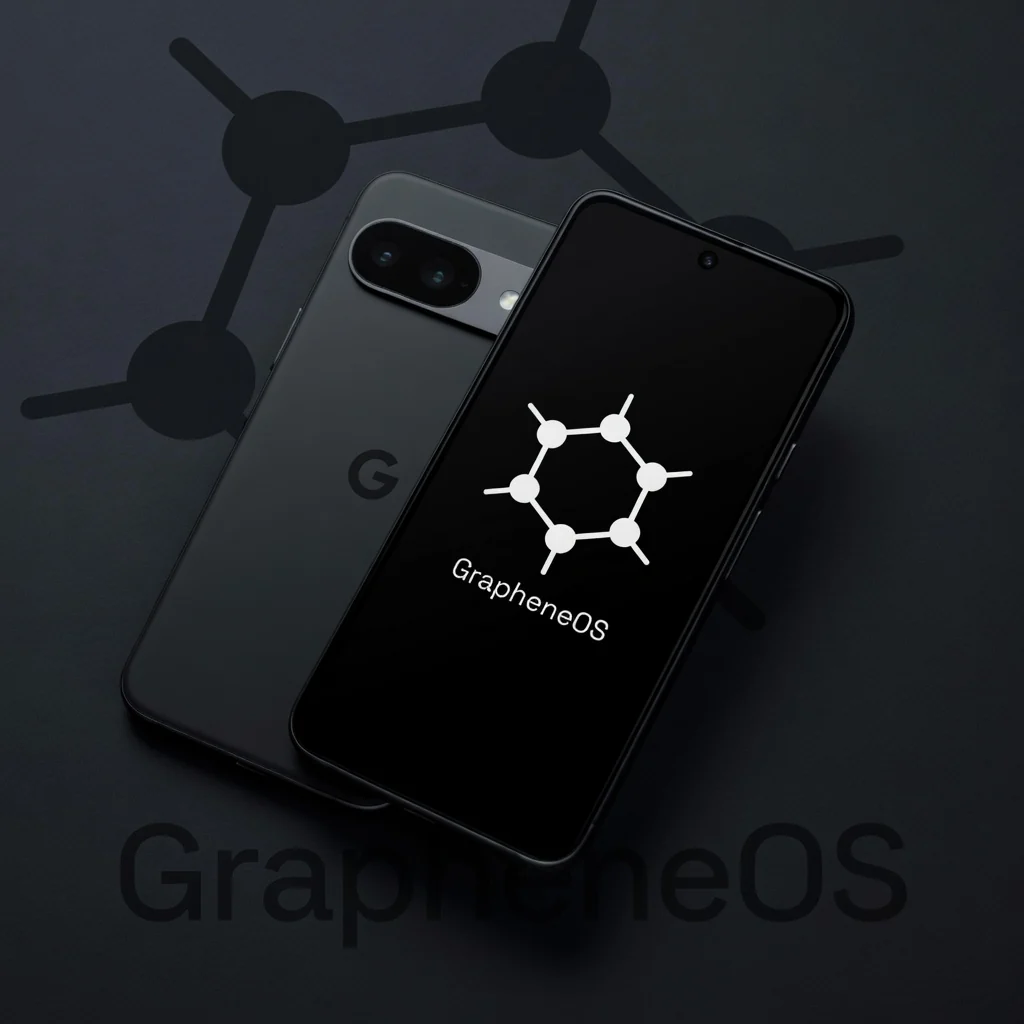 A privacy-focused foundation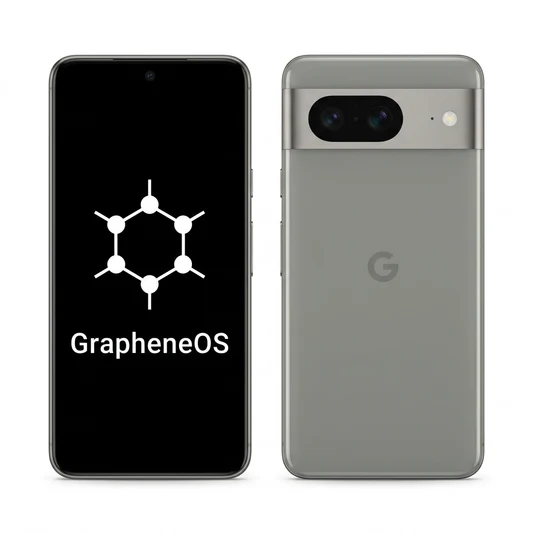
No sweeping promises. Just a practical guide to choosing, setting up, and maintaining a more considered mobile experience.
Your phone is more than a screen. It holds conversations, travel plans, photographs, work documents, and the small details that make up your everyday life. Taking back control starts with recognizing that those details deserve thoughtful protection. ZeroGhost is a starting point for a more intentional mobile experience: one where you ask what an application needs, what you want to share, and which conveniences actually serve you. Privacy does not require giving up your connection to the world. It means making that connection on clearer terms.
A privacy-conscious phone is not a promise of invisibility. It is one part of a broader approach to digital life. Your operating system, applications, accounts, network, and personal habits all influence what information leaves your device. Understanding those layers makes it easier to make practical decisions rather than relying on a single label. Start with what matters most to you, whether that is protecting personal conversations, separating work from home, reducing unnecessary permissions, or simply feeling more confident about the technology in your pocket.
GrapheneOS is a privacy- and security-focused mobile operating system based on the Android Open Source Project. It adds protections to the operating system rather than depending only on a collection of privacy applications. The product images on this page show Pixel devices displaying GrapheneOS. Before choosing any device, check the actual model, its current support status, and the operating system information provided by the seller. A familiar appearance does not establish the precise hardware specification or the remaining security support period.
The distinction between privacy and security matters. Security concerns protecting your device and information from unauthorized access. Privacy concerns how information is collected, used, and shared, including by services you deliberately use. Strong device security supports privacy, but the two are not interchangeable. An operating system can improve the foundation without controlling every decision made by an account provider or an installed application. Think of the foundation as a way to reduce exposure and create better boundaries, not as a replacement for informed choices.
An application should have a clear reason for accessing your microphone, camera, location, contacts, or files. Sometimes that reason is obvious: a camera application needs the camera to take a photograph. Other requests deserve a closer look. A simple utility may work perfectly without knowing where you are. Review permissions when you install an application, and revisit them after you have used it for a while. Granting access only when needed can be more useful than accepting every prompt during setup.
Permission controls are not a universal guarantee. Information you type into an application may be sent to its provider even when other device permissions are restricted. A message, search query, uploaded photograph, or account login is still information you intentionally share. Combine permission reviews with a basic understanding of the service itself. Read the settings that affect synchronization, diagnostics, and account history. You do not need to become a technical expert to ask a simple question: does this application need this information to do the job I actually want?
Personal messages, work accounts, travel tools, and experimental applications do not always need to occupy the same digital space. User profiles can help create separation between groups of applications and their local data. This is particularly useful when you want to keep a limited collection of everyday tools apart from applications you use occasionally. Decide on a structure you can maintain comfortably. A system with clear boundaries is valuable only if it remains understandable when you are busy or distracted.
Separation is not anonymity. Logging into the same account across profiles can connect those activities at the service level, and network providers may still observe connection metadata. Keep the limits in mind while appreciating the practical benefit: fewer applications sharing the same local environment and a clearer sense of what belongs where. Start with a small arrangement, such as a main profile for essential communication and another for less frequently used services. Review your setup periodically rather than creating a complicated structure that becomes difficult to manage.
A more private mobile experience should fit your real life. You may still need a banking application, a transit ticket, a family messaging service, or a tool required by your employer. Make a list of the applications you depend on before changing devices or operating systems. Check their requirements and verify compatibility using current information. Some applications rely on services, device integrity checks, or organizational policies that may limit their operation on a different software environment. Never assume that every Android application will work identically.
GrapheneOS offers an optional sandboxed approach to Google Play services. Whether you need it depends on your applications and preferences. The important point is choice: consider which services support the tasks you actually perform and which you can leave out. Test critical workflows before relying on a new phone as your only device. That includes payments, authentication, accessibility tools, work access, and notifications. Keeping a short transition checklist helps you avoid surprises and makes a thoughtful change feel manageable instead of disruptive.
A device is not permanently secure because it was configured well on its first day. Software changes, new vulnerabilities are discovered, and hardware eventually reaches the end of its supported life. Timely updates are part of maintaining a dependable foundation. Before ordering a phone, confirm the exact model and investigate its expected support window. Ask how system updates are delivered and what you need to do to keep the device current. Hardware support is a practical consideration, not a detail to leave until later.
Build a maintenance routine that is simple enough to follow. Check for operating system and application updates, restart when an update requires it, and remove applications you no longer use. Keep enough free storage for updates and backups. If you see an unfamiliar security notice, understand it before dismissing it. No operating system eliminates every vulnerability, and no seller can responsibly guarantee permanent protection. Consistent maintenance helps preserve the value of the protections your device already provides and reduces the chance that avoidable gaps accumulate over time.
Your lock screen is a meaningful boundary between your information and someone holding your phone. Choose a strong unlock credential that you can remember, and think about where you enter it. A long, unique passphrase or a sufficiently strong PIN can offer a better foundation than a predictable pattern. The right choice depends on your needs and the device settings available to you. Review automatic locking, notification visibility, and other settings that determine what someone can see before the phone is unlocked.
Physical access deserves its own attention. Keep your phone with you in situations where sensitive information matters, and avoid leaving it unlocked on shared desks or public counters. Consider how travel, repairs, or workplace rules affect your device. A protected operating system cannot compensate for sharing your unlock credential carelessly or handing over an unlocked phone without considering what is visible. Practical habits reinforce technical safeguards. Aim for a balance that lets you use your phone comfortably while maintaining clear boundaries around access to your accounts and personal information.
Changing your phone does not erase the information already held by online services. Accounts can contain years of messages, location history, contacts, and purchases. Review the accounts you plan to use, their recovery methods, and their privacy settings. Where possible, use unique passwords and an appropriate second authentication factor. Store recovery information safely so that a lost phone does not become a lost account. Device privacy and account security work together, but they solve different parts of the problem.
Network choices also matter. A VPN can change who sees certain aspects of your connection, but it does not make every activity anonymous or prevent an application from identifying a signed-in account. Public Wi-Fi, mobile networks, websites, and service providers each have different visibility into your activity. Avoid treating any single tool as a complete solution. Instead, choose tools for a specific purpose, understand their limits, and revisit those decisions when your needs change. Clear expectations are more useful than broad promises about being untraceable or completely hidden.
Moving to a new phone is a good opportunity to simplify, but it deserves preparation. List your essential applications, identify where your photographs and documents are stored, and confirm how you will transfer contacts. Back up important information before changing anything. Check whether your authentication applications require an export, recovery codes, or a separate migration process. Some conversations and application data may not transfer automatically, so review the instructions for each service you rely on rather than assuming a single backup covers everything.
Keep your previous device available until your essential tasks work on the new one. Test incoming calls, messages, notifications, navigation, and any work tools that are important to your day. Review permissions as you reinstall applications instead of recreating every old setting by default. A gradual transition gives you room to learn without pressure. Once you are satisfied, remove sensitive information from the old device using the appropriate reset process. If you pass it to someone else, make sure account protection and device ownership steps are completed correctly.
The best privacy setup is one you can live with. If a configuration makes ordinary tasks unnecessarily difficult, you may eventually bypass it or abandon it entirely. Begin with a few high-value changes: fewer unnecessary applications, narrower permissions, reliable updates, a strong screen lock, and better account recovery. Learn what each setting does before adding more complexity. Your mobile experience should feel deliberate, not fragile. Comfort and clarity can make good security habits easier to maintain over months and years.
Different people have different needs. A traveler, a parent, a freelance professional, and someone managing sensitive work may prioritize different boundaries. There is no single configuration that is ideal for everyone. Revisit your choices when your life changes, when you add a new service, or when an application requests new access. Privacy is an ongoing practice rather than a one-time switch. A useful goal is not to eliminate every possible exposure, but to reduce unnecessary sharing and keep meaningful decisions in your own hands.
The product photographs communicate a visual direction, but your purchase should be based on confirmed details. Visit the official ZeroGhost destination to review the available device, hardware condition, storage configuration, software setup, included accessories, delivery information, and applicable terms. Availability and specifications can change. This page does not state a price, imply stock availability, or promise a particular support service. Use the seller’s current information to decide whether the offer matches your needs and expectations before completing an order.
Ask about any requirement that is essential to you, especially application compatibility, network compatibility, accessibility, and the supported lifetime of the hardware. Clarify whether you will be responsible for future setup steps or updates. Consider what happens if the device does not meet your needs and review the seller’s policies directly. An informed purchase begins with accurate expectations. The order buttons on this page take you to https://zeroghoste.net/ so you can evaluate the current offer and complete any transaction at the provided destination.
A more intentional mobile experience is built from small, repeatable decisions. You choose what to install, which accounts to connect, when to grant a permission, and how to protect access to the device. You can keep the services that matter while reconsidering the ones that collect more than you want to share. ZeroGhost invites you to look at your phone as something you direct rather than something that quietly sets the terms of your digital life. Start with understanding, then build the habits that support your priorities.
There is no need to chase an impossible promise of absolute privacy. Instead, look for a sound foundation, transparent choices, and a manageable routine. Learn the limits alongside the benefits. Keep critical information backed up, maintain your software, and review the applications you trust. When you are ready to explore the product, use the official order link and confirm the details that matter to you. Taking back control is not about disappearing from the world. It is about participating with greater awareness, clearer boundaries, and more confidence in your everyday technology.
Make an informed choice.
Understand the benefits and the boundaries.
Ready to rethink your mobile experience?
Explore the current ZeroGhost offer at the official destination.